Updated: 26 October 2026. The number comes from open vacancies on Cloz.
To pass an online job interview, do three things: test the app the day before, set up your phone or laptop for good light and sound, and know in advance what to say if the connection drops. If you want a remote job, you will need this: in the 7 days up to 26 October 2026, 25 new remote vacancies were posted on Cloz.
Below you will find a step-by-step setup, a 10-point checklist for your phone and ready-to-use phrases for when the connection fails.
9 409 vacanciesnow
- Yandex Eats kuryer ishfrom 5M UZSYandex Eats
- Кассир, Продавец-консультант4–6M UZSHi Tong магазин товаров для мам и детей · Tashkent City
- Ofis menejer & Mijozlar bilan ishlash menejeri | Qizlar3–8M UZSDemo Company · Tashkent City, Mirzo Ulugbek District
Which apps employers use and how to test them the day before
Most video interviews happen in Zoom, Google Meet or a Telegram video call. The invitation usually says which one. If it does not, ask: "Which app will we use for the call?"
The day before the interview:
- Install the app and sign in. On a phone, Zoom and Google Meet work best in their own apps. Update Telegram to the latest version.
- Open the link from the invitation. Check where it leads and whether it asks for a password.
- Make a test call with a friend. Ask them if they can see and hear you clearly.
- Check the name on your screen. In Zoom and Meet, show your first and last name, not "iPhone" or a nickname.
- Confirm the time. If the employer is in another country, ask which time zone the meeting time is in.
On the day, join the link 5–10 minutes early. If the app suddenly asks for an update, you will have time.
How to set up your phone or laptop: light, sound, background
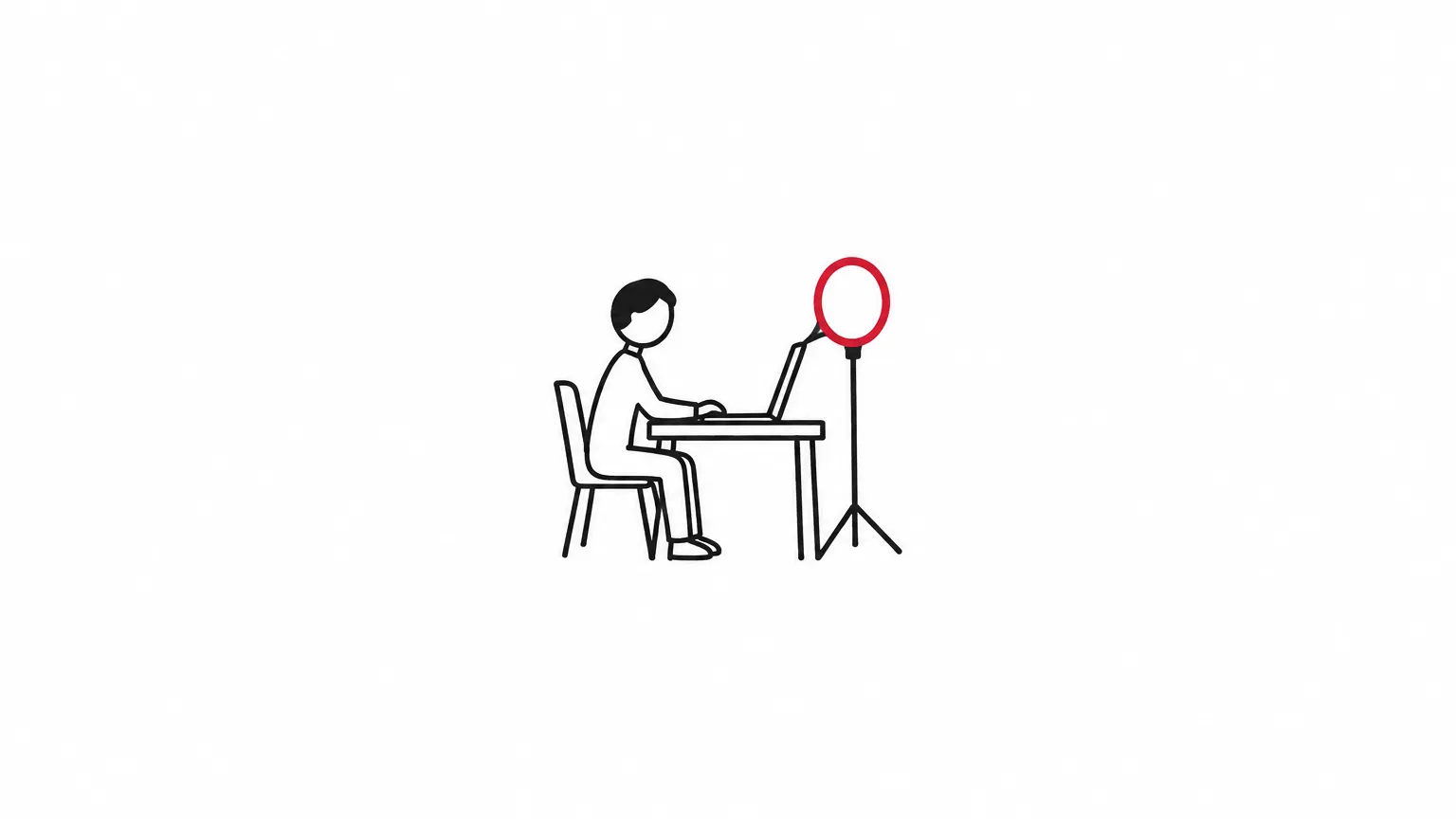
Many people join from a phone, and that is fine. Just do not hold it in your hand. Stand it on a table, on a stack of books or on a tripod, with the camera at eye level.
Light. Face a window. If the window is behind you, the interviewer sees only a dark shape. In the evening, put a lamp behind your screen so that it lights your face.
Sound. Headphones, ideally with a microphone, cut the echo in a room. Turn off the TV and the washing machine, and tell your family when the call starts.
Background. A plain wall or a tidy shelf is enough. Clothes lying around, an open door or people walking past pull attention away from you.
Phone setup checklist: 10 points
Battery above 80%, or the phone is charging
Internet tested, with enough mobile data for an hour
Notifications off ("Do Not Disturb" mode)
Other apps closed
Phone standing, not in your hand; camera at eye level
Your face turned towards a window or a lamp
Headphones connected and tested
The app has permission to use the camera and microphone
Your first and last name show on screen
Your CV, the vacancy text and your questions are nearby, on paper or another device
What to wear and how to sit
Dress the same way you would for an interview in an office. Even if only your top half shows, dress fully. You will feel more focused, and you will not be embarrassed if you have to stand up.
Plain, calm colours look best on camera. Thin stripes and small checks can flicker on screen. Avoid clothes in the same colour as the wall behind you.
How to sit:
- sit straight, with your shoulders and part of your arms in the frame;
- when you speak, look at the camera, not the screen, so the interviewer feels you are looking at them;
- leave a little space above your head, so your face does not fill the whole frame.
How to answer when the connection drops
Connections fail for everyone, and interviewers know this. What they notice is whether you stay calm. So have a plan before the call.
At the start, after you say hello, ask one question: "If the connection drops, should I rejoin the link or message you on Telegram?" This one sentence saves a lot of stress later.
Script for when the connection drops
If the sound breaks up:
"Sorry, your sound is breaking up. Could you repeat the last question, please?"
If your video freezes:
"I think my video has frozen. May I turn it off and continue with audio only? I will turn it back on when the connection improves."
If the call ends completely, rejoin the link at once. If you cannot get back in within 2 minutes, write to the contact you agreed on:
"Hello, my connection dropped. I am trying to reconnect and will be back within 5 minutes. If it suits you, we can also continue by phone."
When you are back:
"Thank you for waiting. I was talking about …, so I will continue briefly."
Do not apologise again and again. One "sorry" is enough. Then carry on with the conversation.
Remote tests and written tasks: how to handle them
Some employers give a task after the interview or instead of it: an online test, a short written piece, or a task you solve while sharing your screen.
Check the rules. Ask for the deadline and how to send the result: as a file, a link or a Telegram message. If something is unclear, ask. Do not guess.
Prepare your screen. Before you share your screen, close personal files, chats and extra browser tabs. On a phone, turn off notifications so they do not pop up during the task.
Do it yourself. The task tests your own skills. At the next stage, you will likely be asked how you solved it, and your answer must match your work.
Test calls. For operator and sales roles, the test is often a practice phone call. How to prepare: Call center operator job with no experience: pay and interview. For developers, technical tasks are common; see what skills employers ask for in IT jobs in Uzbekistan 2026: roles, skills and pay.
What to do right after the call
In the first 10 minutes after the interview, do three things.
- Write notes. Who you spoke with, what they asked, what the next step is and when to expect an answer.
- Send a short thank-you. For example: "Thank you for today's conversation. It was interesting to learn about … If you need any more information, please write to me."
- Update your CV. If they asked about experience that is not on your CV, add it.
If you hear nothing by the date they gave you, you can follow up once: "Hello, I would like to ask about the result of our interview on …"
If they ask for money or documents
If, after an online interview, someone asks you to pay for "training", a "uniform" or "registration", stop. Never send your card number, an SMS code or a photo of your passport on Telegram. Read more: Fake Job Offers on Telegram: 12 Warning Signs.
Frequently asked questions
Can I do an online interview on my phone?
Yes. Do not hold the phone in your hand: stand it upright with the camera at eye level. Charge the battery and turn off notifications.
What should I wear to an online interview?
The same as for an office interview. Plain, calm colours work best; avoid thin stripes and small checks.
What should I do if my internet drops during the interview?
Rejoin at once. If that does not work within 2 minutes, write to the employer and offer to continue by phone. It is best to agree on this at the start of the call.
Where should I look during a video interview?
At the camera when you speak, and at the screen when you listen. This way, the interviewer feels you are looking at them.
How long should I wait for an answer after the interview?
At the end of the call, ask when they will decide. If that date passes, you can send one short message to ask.
Your next step: look through remote vacancies and apply to 2–3 of them.
9 409 vacanciesnow
- Yandex Eats kuryer ishfrom 5M UZSYandex Eats
- Кассир, Продавец-консультант4–6M UZSHi Tong магазин товаров для мам и детей · Tashkent City
- Ofis menejer & Mijozlar bilan ishlash menejeri | Qizlar3–8M UZSDemo Company · Tashkent City, Mirzo Ulugbek District
How the data was collected
- Source: Cloz vacancy search, filtered by the "Remote" work format.
- What was counted: open remote vacancies posted in the last 7 days (19–25 October 2026): 25. Counted on 26 October 2026.
- The other advice in this article is general guidance and does not rely on numbers. Employer names and contacts are not shown.